Authentication
A Cloud API Token can be generated in the API tab on web.vestaboard.com or under Settings / Advanced Settings on the mobile app.
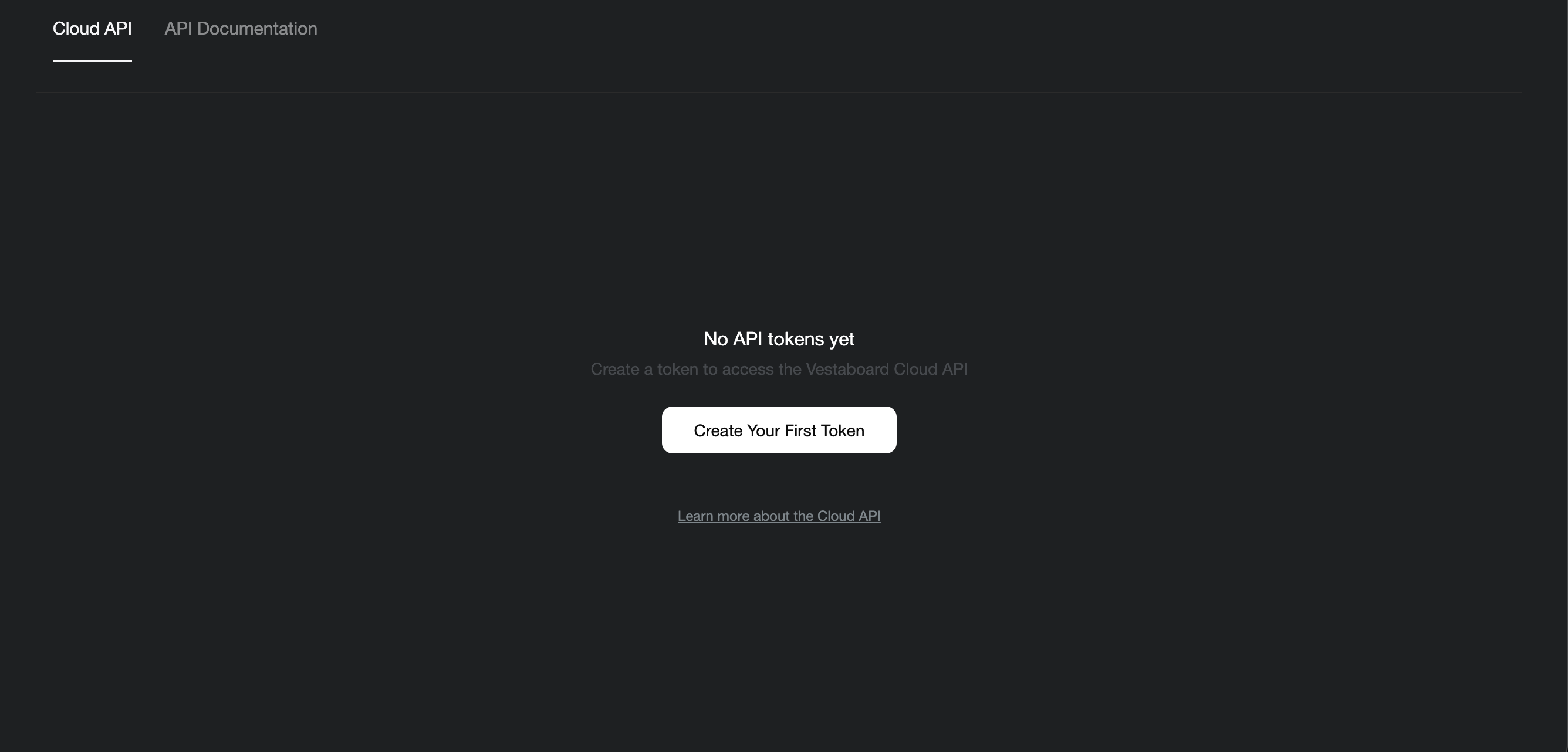
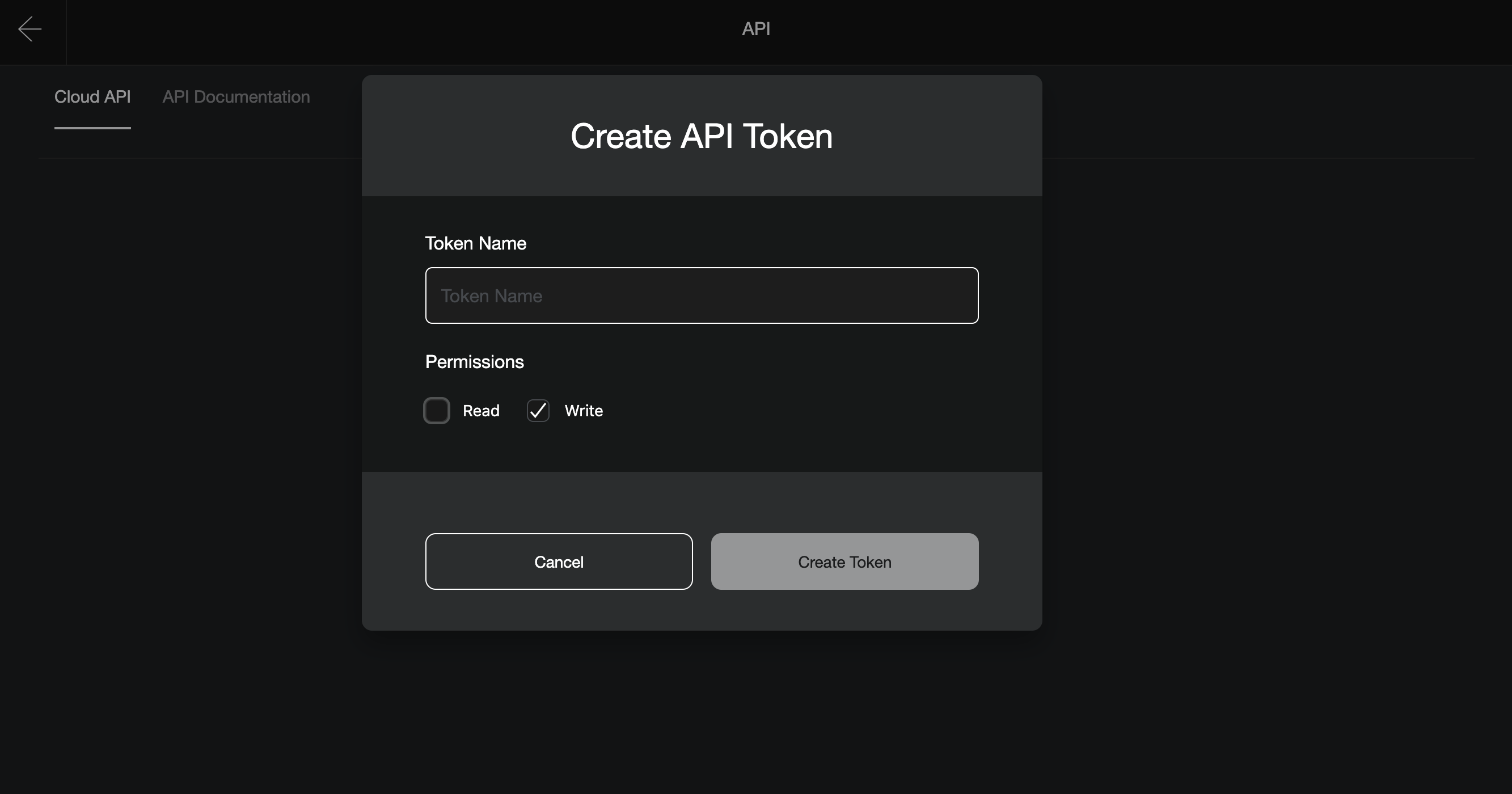
Click "Create New Token" and select the permissions you want to enable. If you are just creating a token to write to your board, we advise on toggling the "Write" permission. Keeping your tokens scoped to least privileged access will reduce the blast radius if your token ever becomes compromised. Give your token a name and press "Create Token".
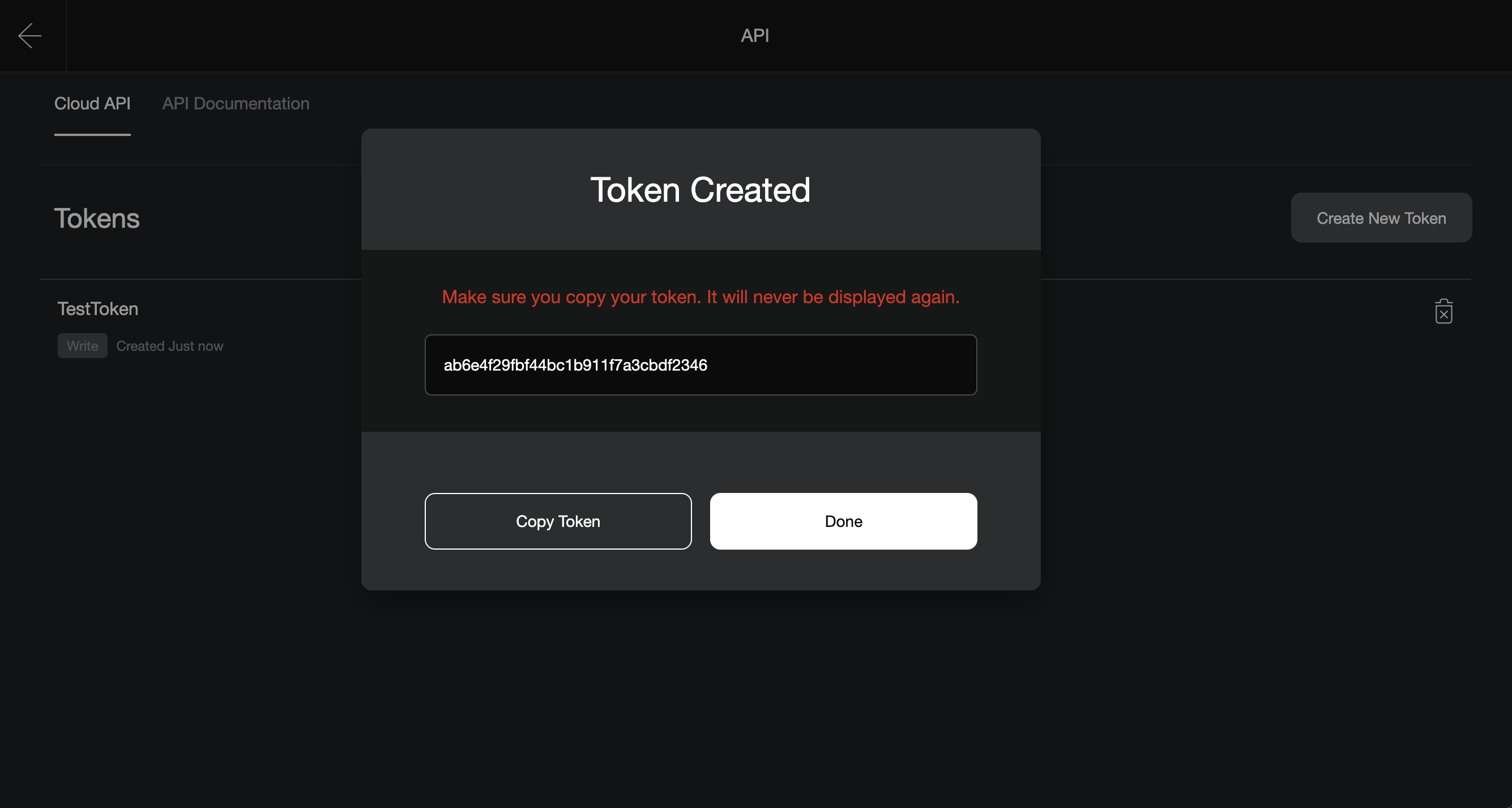
Copy your token and store it in a secure place. We will never display it again since it is encrypted in our database. You can always generate another token or delete your existing token.
For all requests to the API, just pass in your token in the X-Vestaboard-Token header. This will be required for all API requests to either read the current state of the board or to write a new message to it.